
A law firm website does more than explain practice areas and collect leads. It often handles sensitive messages, consultation requests, uploaded documents, payment details, and private client concerns.
That means data security should never be treated as a technical afterthought. It is part of trust, professionalism, and client care.
If a visitor is about to share legal details, they need to feel that your website is safe before they ever book a call.
Start With Trust Before You Think About Traffic

A polished law firm website can attract visitors, but security is what helps them feel comfortable enough to take the next step. People visiting legal websites are often dealing with stress, conflict, money, family issues, business risk, or criminal matters. They are not casually browsing. They are deciding whether your firm feels responsible with private information.
Even visual trust matters here. A clean layout, consistent branding, and professional identity signals can make your site feel more credible. For example, a firm updating its branding might use a text logo generator to create a cleaner visual starting point, but that should sit alongside stronger security basics.
A trustworthy site should show:
- Clear contact information
- Secure forms
- Updated policies
- Professional branding
- No broken pages or outdated plugins
Security and presentation work together. One makes the firm look serious. The other proves it acts seriously.
Use HTTPS Everywhere, Not Just On Contact Pages
HTTPS is one of those basics that sounds obvious, but it still gets neglected on older law firm websites. Every page should load securely, not only the form page or payment page. When a website uses HTTPS properly, data sent between the visitor’s browser and the site is encrypted, which helps protect messages, login details, and form submissions.
Search engines also treat secure websites more favorably, and browsers warn users when a page is not secure. For a law firm, that warning can quietly damage trust before the visitor reads a single attorney bio.
Important fact: HTTPS does not make a website completely secure. It protects data in transit, but your forms, hosting, plugins, passwords, and storage practices still need attention.
A secure certificate is the front door. You still need locks inside the building.
Protect Contact Forms Like They Contain Case Files
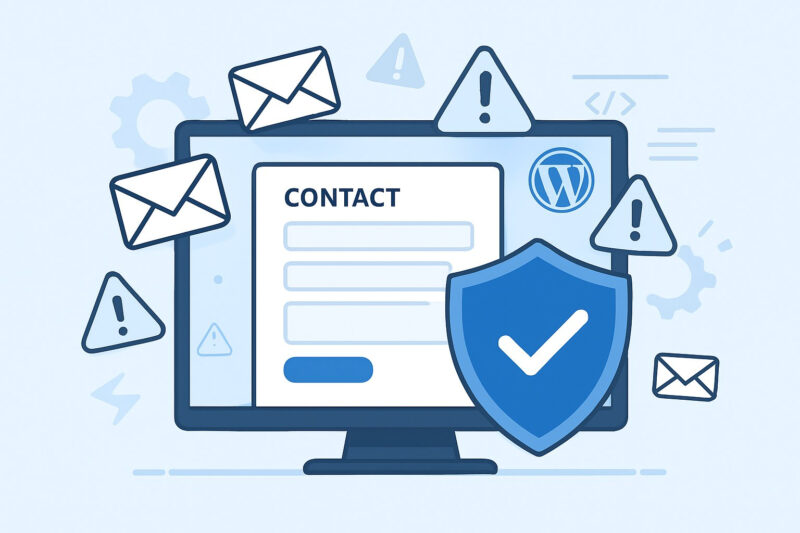
Contact forms are often the weakest point on a law firm website because they feel simple. Name, email, phone, message, maybe an upload field. Easy, right? Not exactly. Those fields may include details about lawsuits, immigration status, divorce, injuries, contracts, charges, or financial problems.
Good form security means collecting only what you actually need. A first-contact form should usually not ask visitors to share full case files or deeply sensitive documents unless the system is built for secure intake.
| Form feature | Safer practice | Risk if ignored |
| Message box | Ask for brief summaries only | Visitors may overshare sensitive facts |
| File upload | Use secure client portals | Files may be exposed or mishandled |
| Email alerts | Limit visible form content | Private details may sit in inboxes |
| Spam protection | Use CAPTCHA or filtering | Bots may abuse the form |
After submission, make sure data is stored securely, not just forwarded through plain email without thought.
Keep Software, Plugins, And Themes Updated
Many law firm websites run on content management systems like WordPress. That can be perfectly fine, but only when updates are handled consistently. Outdated plugins, abandoned themes, and old software versions create openings that attackers actively look for.
Verizon’s 2025 Data Breach Investigations Report, published by Verizon Business in 2025, found that vulnerability exploitation continued to play a major role in breaches, especially around web applications and credentials. For law firms, the lesson is simple: old website components are not harmless clutter.
A practical update routine should include:
- Monthly plugin and theme reviews
- Removal of unused plugins
- Backups before major updates
- Security testing after changes
Updates are not exciting, but neither is explaining to clients that an old plugin exposed private inquiries.
Make Passwords And Logins Harder To Abuse
A law firm website may have multiple people logging in: attorneys, marketing staff, outside SEO teams, developers, virtual assistants, or intake staff. Every account is a possible entry point. One weak password can put the entire website at risk.
Strong passwords are a start, but they are no longer enough on their own. Multi-factor authentication should be used for admin panels, hosting accounts, domain registrars, email platforms, analytics tools, and any portal connected to the website.
Access should follow a simple rule: give people only what they need.
That means:
- Admin access only for trusted technical users
- Editor access for content updates
- Separate accounts for each user
- Immediate removal when someone leaves
Shared logins may feel convenient, but they make accountability almost impossible when something goes wrong.
Be Careful With Third-Party Tools

Law firm websites often rely on third-party tools for chat widgets, analytics, scheduling, payment processing, call tracking, CRM forms, newsletter signups, and advertising pixels. These tools can be useful, but they also touch visitor data in ways many firms do not fully understand.
Before adding any outside tool, ask what data it collects, where that data goes, and whether it is appropriate for a legal website. A casual chat widget, for example, may not be suitable if visitors are typing private legal details into it.
NIST Cybersecurity Framework 2.0, published by the National Institute of Standards and Technology in 2024, encourages organizations to manage cybersecurity risk through functions such as Govern, Identify, Protect, Detect, Respond, and Recover. That mindset fits law firm websites well.
Do not install tools just because competitors use them. Understand the risk first.
Create A Clear Privacy Policy Visitors Can Actually Understand
A privacy policy should not read like a wall of legal fog. Yes, it needs to be accurate, but it also needs to help visitors understand what happens when they use your website. Legal clients already feel cautious. A vague privacy page does not help.
Explain what information the site collects, why it is collected, how long it may be kept, who may access it, and whether third-party services are involved. If your website uses analytics, cookies, remarketing tags, chat tools, or scheduling platforms, say so in plain language.
A strong privacy page should clarify:
- What data forms collect
- How cookies are used
- Whether data is shared
- How users can contact the firm about privacy
- How client portals differ from general website forms
Clear privacy language is not just compliance support. It is also a trust signal.
Backups And Incident Plans Matter More Than Firms Think
Many firms think website security is only about prevention. Prevention matters, but recovery matters too. If your website is hacked, defaced, locked, or taken offline, how quickly can your firm restore it? Who gets called first? Where are backups stored? Has anyone tested them?
Global average cost of a data breach in 2025. was USD 4.4 million, with faster identification and containment helping reduce costs. A small law firm may not face that exact figure, but the principle still applies.
Recovery planning should cover:
- Website backups
- Hosting contacts
- Developer access
- Client notification steps
- Internal response roles
A backup you have never tested is more like a hope than a plan.
Train The People Who Touch The Website
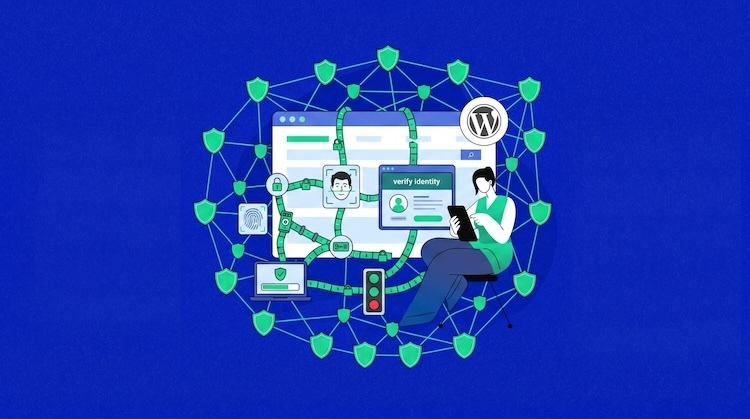
Security tools help, but people still make decisions every day. Someone approves plugin access. Someone clicks a fake hosting invoice. Someone grants login details to a vendor. Someone copies client information into a tool that should not have it.
The American Bar Association noted in a 2024 Law Technology Today article that law firms are prime cybersecurity targets because they hold sensitive client information, citing the 2023 ABA Cybersecurity TechReport figure that 29% of firms had experienced some form of security breach.
Training does not have to be dramatic. It should be regular, practical, and tied to real website tasks. Teach staff how to spot suspicious emails, verify vendor requests, protect logins, and handle online inquiries carefully.
Review Website Security On A Regular Schedule
A secure law firm website is not something you finish once. It needs review, because websites change. New pages are added. Vendors come and go. Plugins get replaced. Attorneys update bios. Intake forms change. Marketing campaigns add tracking scripts. Over time, small changes can create messy risk.
Set a simple review schedule and stick to it. Quarterly is realistic for many firms, while larger firms may need monthly checks.
A practical review can include:
- Testing all forms
- Checking user accounts
- Reviewing plugins and integrations
- Confirming backups
- Updating privacy language
Think of it like reviewing a case file. You are looking for gaps before they become problems. That habit is what separates a professional website from one that only looks professional.
FAQs
1. Should a law firm use a live chat feature on its website?
A live chat feature can be useful, but it needs careful setup. Avoid encouraging visitors to share sensitive case details in a basic chat box. Use clear disclaimers, choose a reputable provider, and route serious inquiries into a secure intake process.
2. Is website security important for small law firms too?
Yes. Small firms can be attractive targets because attackers may assume they have weaker defenses. Even a basic website can collect private inquiries, contact details, and documents. Size does not remove the duty to handle visitor data carefully.
3. How often should a law firm update its website privacy policy?
Review it whenever you add new tools, forms, analytics, cookies, payment features, or client intake systems. Even without major changes, a yearly review is smart. The policy should reflect how the website actually works today.
Final Perspective
A law firm website should make people feel safe enough to reach out. That safety comes from more than nice colors, strong attorney photos, and polished copy.
It comes from secure forms, careful access, updated software, responsible vendors, clear privacy language, and a real recovery plan.
Clients trust law firms with serious problems. Your website should show that their information is treated with the same seriousness from the first click.